360 Photo Booth App for Event Professionals
Capture, customize and share branded 360 videos instantly from iPhone or iPad. Offline mode, web dashboard and remote control included.
An app designed for on-site event work
Boothorama 360 helps create a strong visual experience that is simple to operate and smooth for guests. The goal: reduce friction, speed up the flow, and maintain a premium result.
From capture to display in 4 steps
Capture in 360°
Place the iPhone or iPad on the rotating arm and start capturing in one tap. Offline mode works even without a connection.
Customize
Add logos, overlays, music, GIFs and reusable presets so every video reflects the event or brand.
Share instantly
Guests get their video via QR code, AirDrop or Google Drive in seconds, right on site.
Display on TV
Stream the current event's videos to a television with the Controller app to energize the room.
Why choose Boothorama360?
Offline mode
Keep your service running even without Wi-Fi or signal — no event compromised by a poor connection.
Full brand customization
Deliver on-brand videos for every client and raise the perceived value of your service.
Instant sharing
Guests leave with their video in seconds, with no queue and no email to type.
Advanced post-processing
Fix or improve a video after the event without recapturing, and recover from any surprise.
Remote control
Run the service with two devices and keep a smooth flow even at peak times.
What makes it different
Ultra-fast workflow
Prepare your settings in advance and chain your captures with a clear workflow optimized for live events.
Customizable rendering
Text, frames, images, music, presets and sequences: each render can reflect your brand universe or event style.
Frictionless sharing
Guests get their video quickly through a QR code while you centralize all files in Google Drive.
Built for professionals
Weddings, trade shows, private parties, brand activations or festivals: the tool adapts to fast-paced environments.
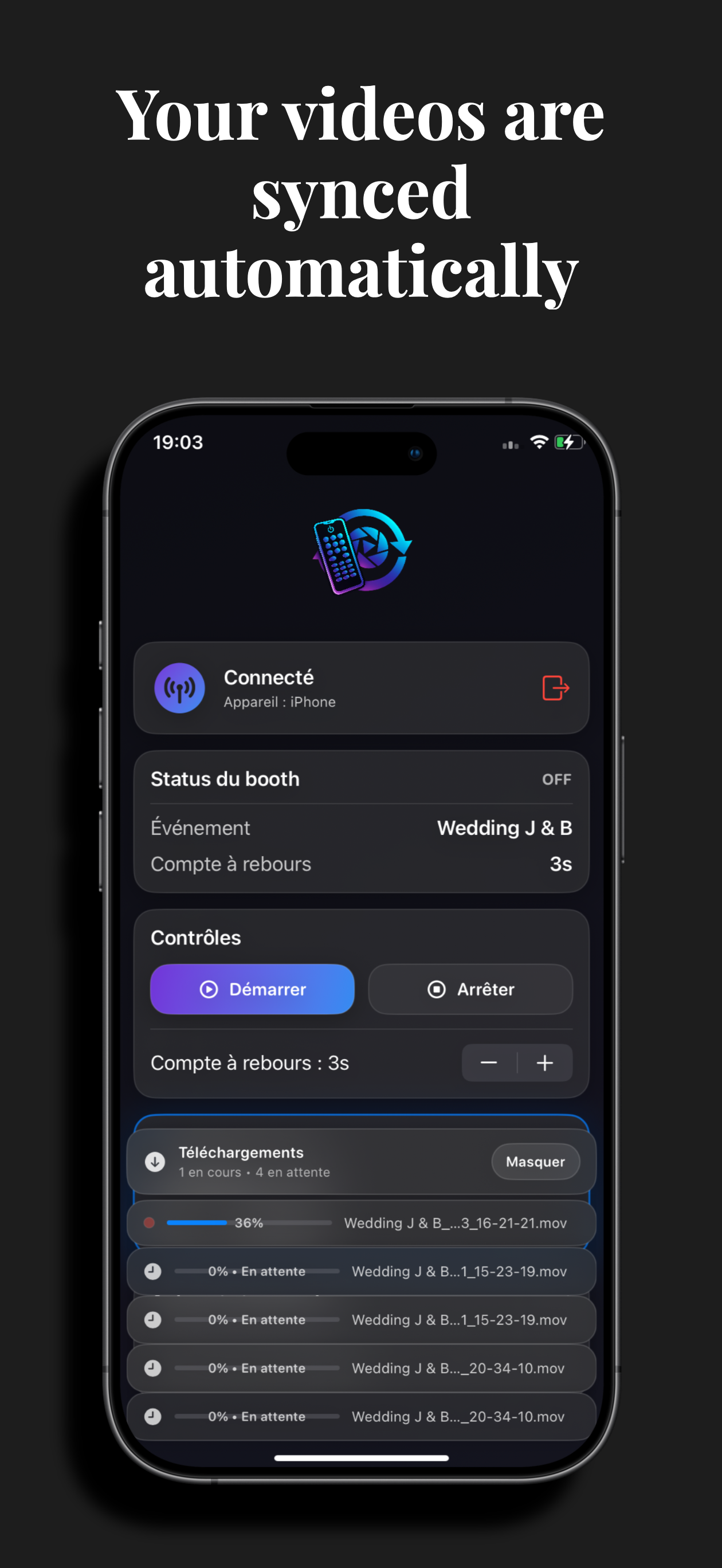
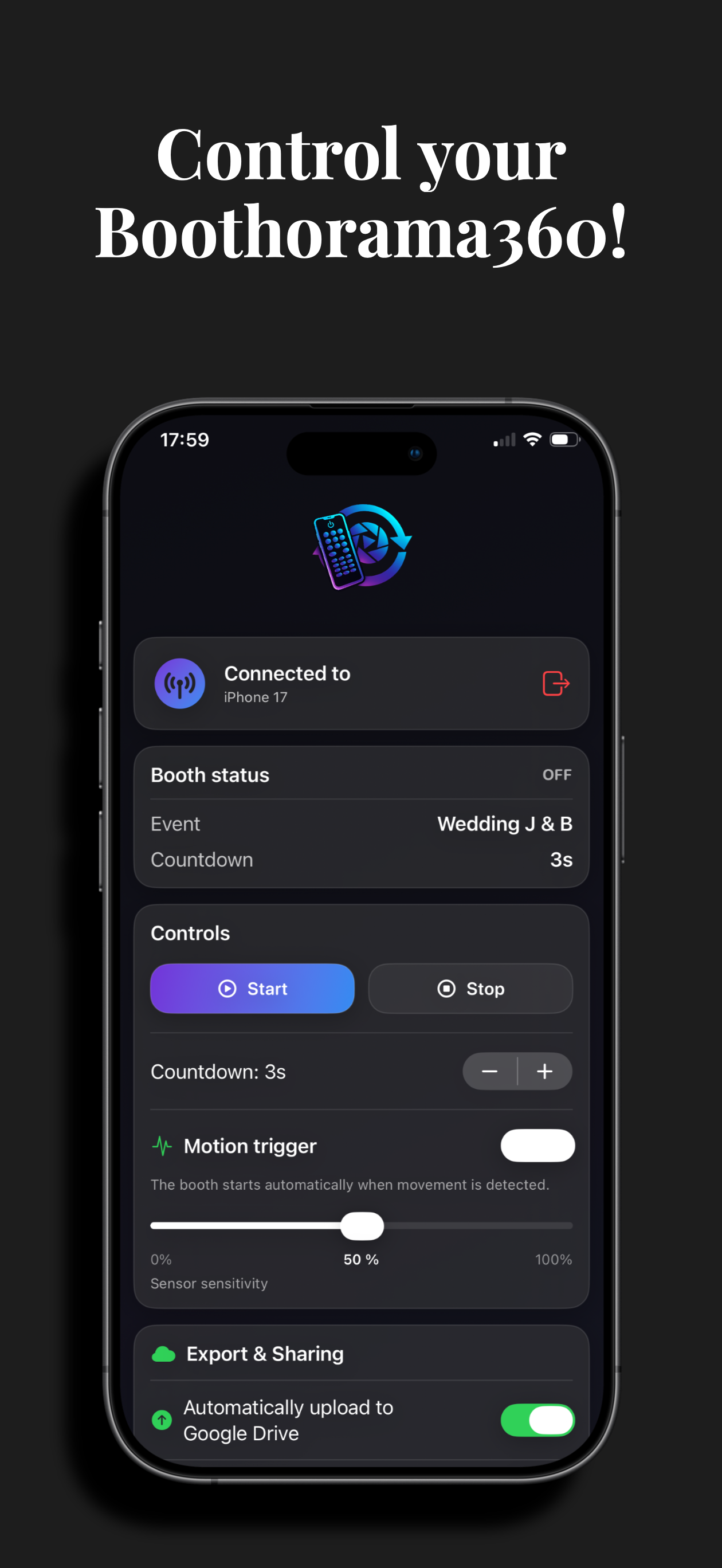
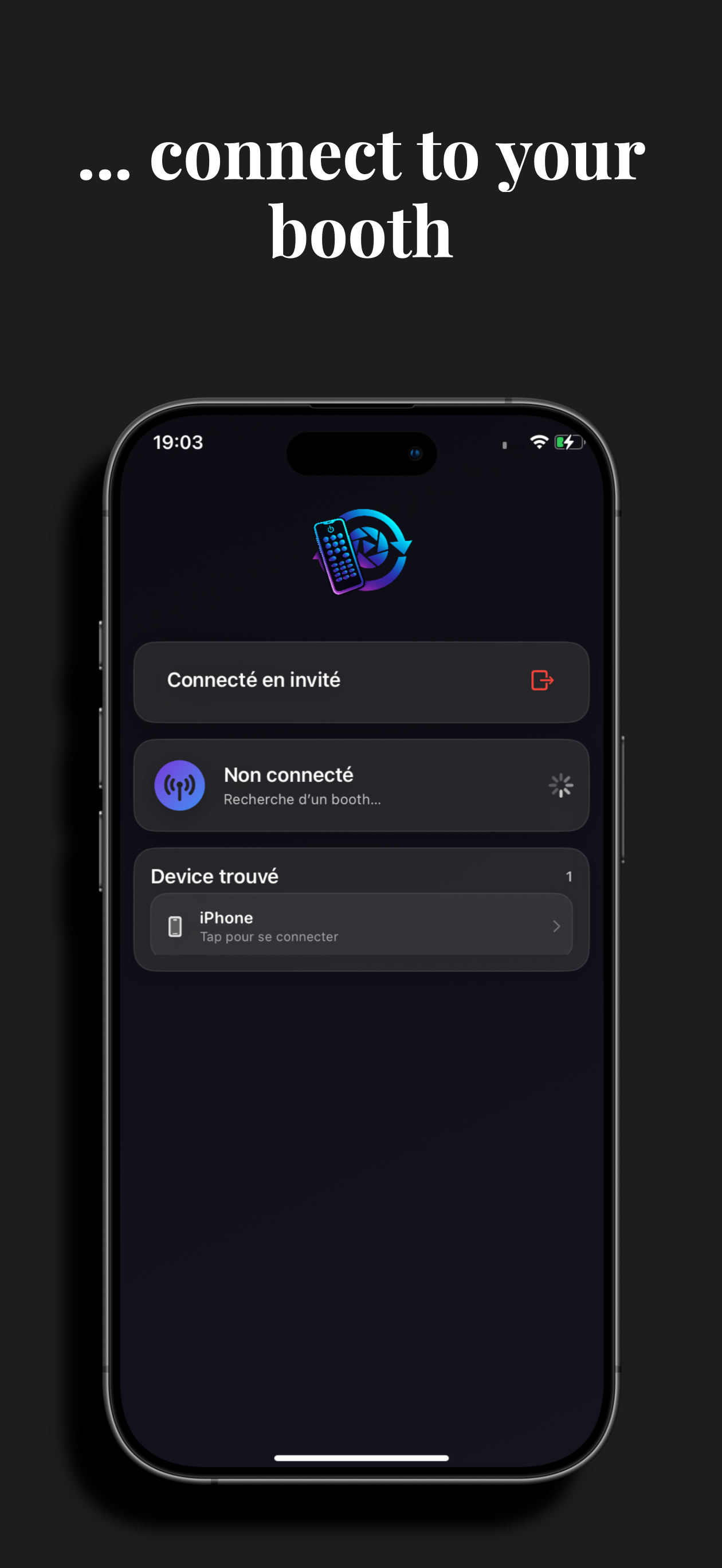
Control Boothorama 360 remotely
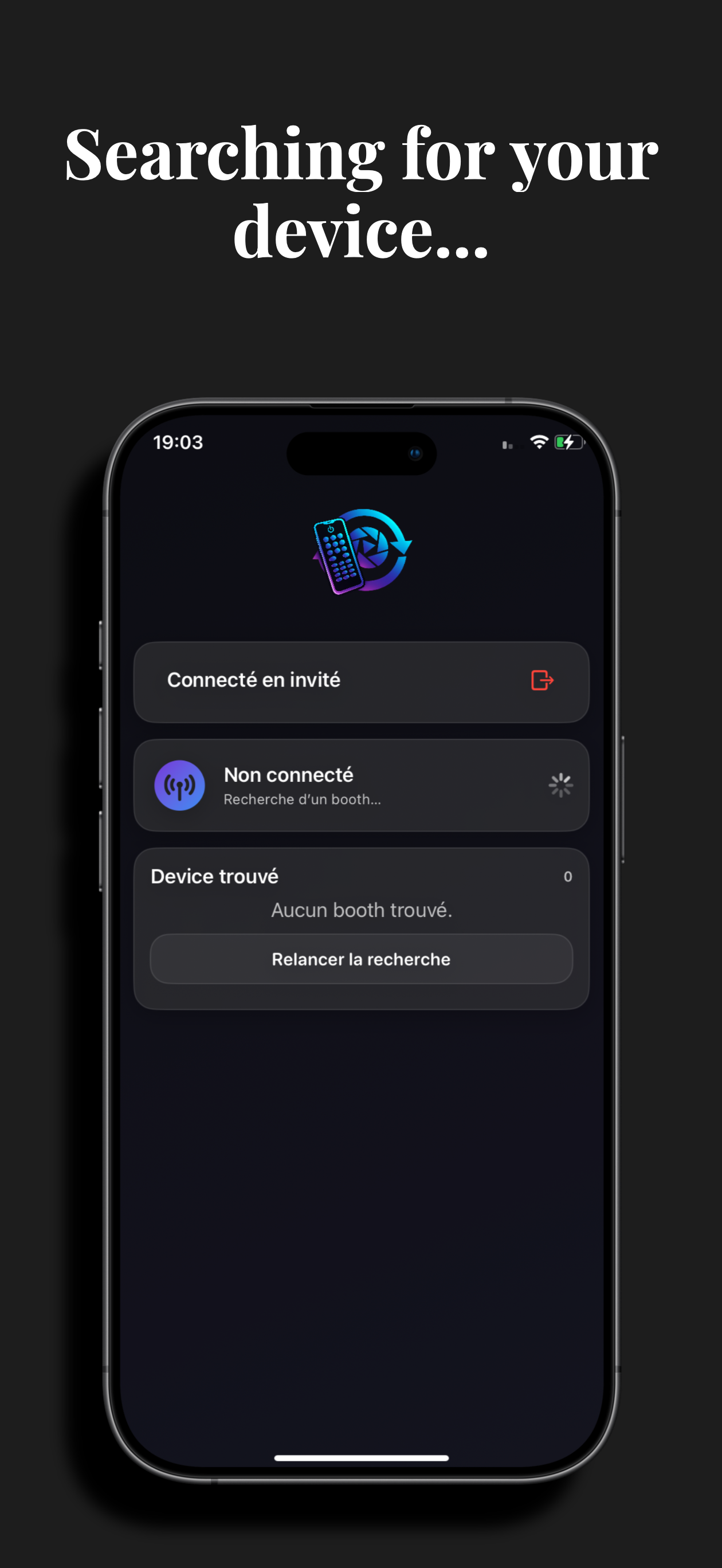
Boothorama360 Controller is a free app available on the App Store. It lets you remotely control Boothorama 360 to start and stop captures more easily during an event.
Simple and fast remote control
Ideal for smoother live operation
Available for free on the App Store
TV display: stream the current event's videos on a television
Built to perform in event settings
Ideal for
The essentials in one view
- Platform
- iOS — iPhone & iPad (iOS 18.4+)
- Pricing
- Free, Pro version from $14.99/month
- Offline mode
- Yes, native and complete
- Sharing
- QR code, AirDrop, Google Drive
- Remote control
- Free Controller app
- Video storage
- Your Google Drive (Boothorama stores no videos)
Good to know
- Available on iOS only — no Android version for now.
- Requires iOS 18.4 or later.
- Advanced features (unlimited overlays, post-processing) require the Pro subscription.
- Cloud sharing uses your own Google Drive account.
- Hardware not included: a 360 rotating arm and tripod are needed.
What is a 360 photo booth and why does it work at events?
A 360 photo booth films guests from every angle using a camera mounted on a rotating arm. The result: short, dynamic, highly shareable videos that drive engagement on social media. For an event operator, it's a high-perceived-value service that's fast to set up. Profitability depends on your pricing, the number of events, equipment cost and the operator's running costs. Boothorama 360 turns an iPhone or iPad into a complete 360 studio, from filming to sharing, with reliable offline mode and remote control.
Everything to know before you start
Does Boothorama 360 work without an internet connection?
Yes. Full offline mode lets you capture, edit and keep videos locally. You then sync to Google Drive as soon as a connection is available.
What equipment do I need to get started?
A recent iPhone or iPad, a 360 rotating arm and a tripod. The app replaces expensive software and works without a computer.
How do guests get their videos?
Via QR code, direct link, AirDrop or Google Drive, in seconds and right on site.
Can I customize videos with a brand's identity?
Yes: logos, overlays, music, text, GIFs and reusable presets for every event.
Is it profitable for an event business?
The service has high perceived value and sets up in minutes. Profitability, however, depends on your pricing, event volume and operating costs: no revenue is guaranteed.
Turn every event into a memorable experience
Centralize your events, retrieve your videos and manage your Boothorama 360 experience from your web space.